AI mind mapping software
Generate a structured mind map from plain language
Describe a topic, paste rough notes, or start with a project outline. StitchGraph builds the first version of your mind map with AI, then gives you the tools to refine, share, and export it.
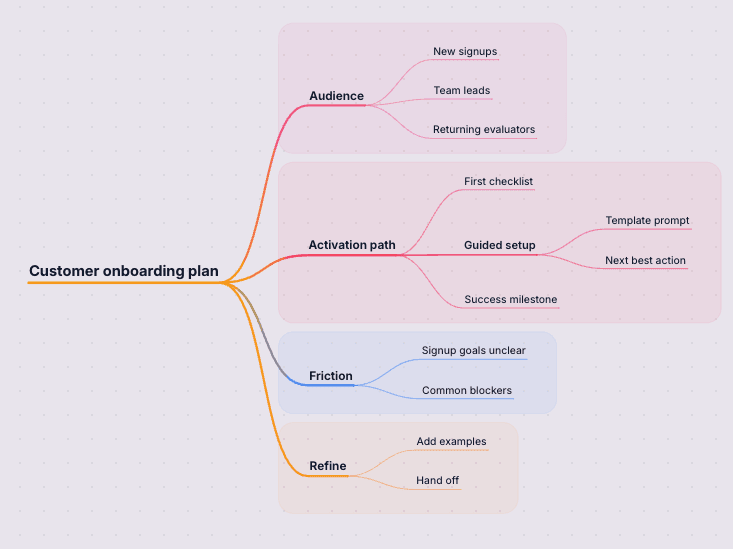
Why this works in StitchGraph
StitchGraph gives you a fast path from raw input to a usable visual map, without forcing you to stay inside the AI output.
AI builds the first structured pass from a rough prompt or outline.
Refine only the branches that need more detail once the initial map is in place.
A finished map is ready to share, present, or export.
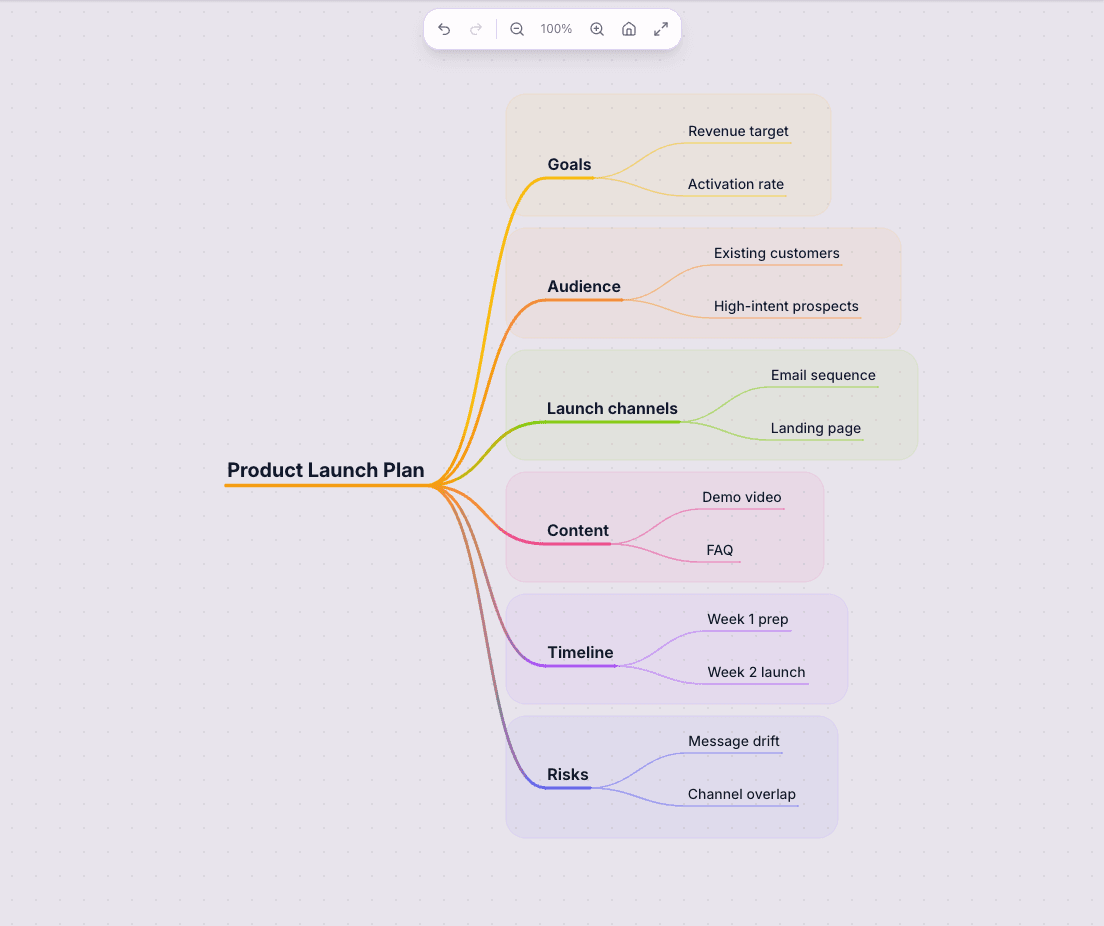
- Start free with 3 maps and 15 AI prompts.
- Turn rough notes or a rough outline into a structured first draft in one pass, then use AI chat to tighten the structure.
- Refine branches with AI chat, then expand only the parts that need more detail.
- Export to PNG, JPG, SVG, PDF, or Markdown when the shape is ready to share.
Go from first draft to finished map
Start with AI, shape the important parts, then share or export the version you want to keep.
Turn a rough prompt into structure
Instead of drawing every branch by hand, you can start from a prompt or rough outline and let AI build the initial hierarchy.
Keep control after the first pass
Edit nodes, reorganize branches, add cross-connections, and keep iterating until the map matches how you think.
Keep the map useful after the first draft
Keep refining the map, share it with teammates, or export it when you are ready to use it somewhere else.
AI generation and refinement
Generate the first map from text, then keep refining it with AI chat and branch expansion.
Clean visualization tools
Use an infinite canvas, focus mode, and cross-connections to keep complex topics readable.
Sharing and export
Share maps with collaborators or export them to PNG, JPG, SVG, PDF, and Markdown.
Start from a prompt or source material, shape the structure, then keep refining the parts that matter.
Step 1
Paste your prompt or notes
Use a topic sentence, rough outline, or unstructured notes. The AI entry point is designed for plain language.
Step 2
Review the generated structure
StitchGraph returns a mind map with logical branches and subtopics so you can see the shape of the idea immediately.
Step 3
Refine, expand, and ship
Adjust nodes manually, ask AI to deepen a branch, and export or share the finished map.
Frequently asked questions
Can I edit the map after AI generates it?
Yes. The AI-generated map is only the starting point. You can edit nodes, move branches, add connections, and expand sections with AI afterward.
What can I use an AI mind map generator for?
You can use it for brainstorming, project planning, study notes, research synthesis, and turning meeting notes into a clearer structure.
Do I need a paid plan to try it?
No. StitchGraph has a free Starter plan so you can make a few real maps and see if it fits your work before you upgrade.
Get Started Free
The fastest way to see whether this fits your work is to create a free account and build one real map with your own notes.
Get Started FreeExplore more ways to use StitchGraph
Turn raw meeting notes into a clearer visual structure with actions and themes.
Move from messy ideation to a usable map for planning and collaboration.
Compare the Starter, Pro, and team plans.
See how StitchGraph works before you create your first map.