Brainstorming without the wall of sticky notes
Capture ideas fast, then shape them into a plan
StitchGraph works as a brainstorming tool for solo planning, workshops, product thinking, and early strategy work. Use AI to kickstart the map, then organize the strongest ideas into something usable.
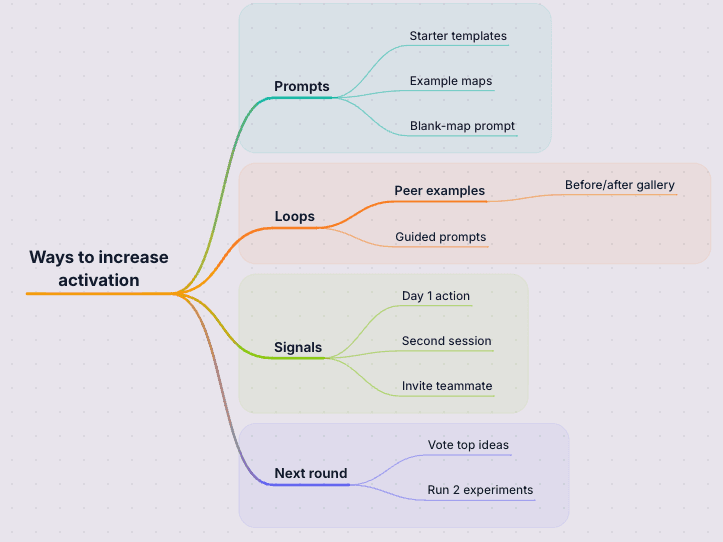
Go from first draft to finished map
Start with AI, shape the important parts, then share or export the version you want to keep.
Capture the messy first pass fast
Brainstorms usually begin as half-formed ideas, objections, and side paths. StitchGraph helps you capture the mess first without losing the thread.
Cluster overlaps before you prioritize
Once the ideas are visible, you can group duplicates, compare directions, and use AI branch expansion when one option needs more depth before the team decides.
Leave the session with a usable plan
Instead of a whiteboard snapshot nobody revisits, you leave with a map you can share, annotate, and carry into planning or async review.
AI prompts when the room stalls
Generate missing angles or deepen one branch when the brainstorm needs a nudge instead of a reset.
Clustering before prioritization
Group duplicates, compare directions, and shape raw workshop output into something easier to decide on.
Reusable output after the session
Keep the map live for planning, or export it when the brainstorm needs to move into async review and follow-up work.
Why this works in StitchGraph
StitchGraph gives you a fast path from raw input to a usable visual map, without forcing you to stay inside the AI output.
Capture the first wave of ideas quickly, then keep only the branches worth pushing.
AI expansion helps when a promising branch needs more options before you narrow.
A mid-session map is easier to cluster, reorder, and reuse than a static whiteboard snapshot.
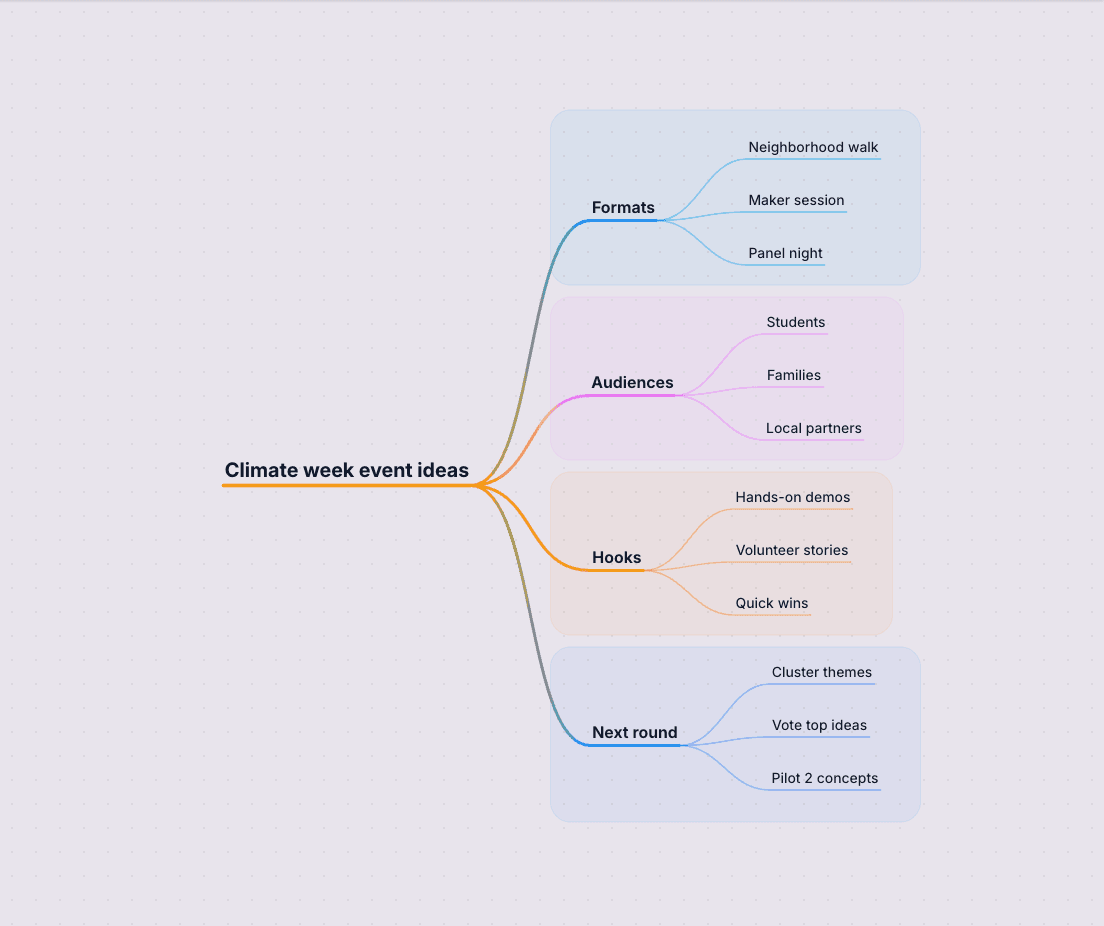
- Start from a prompt, sticky-note dump, or workshop question instead of a blank whiteboard.
- Expand promising branches with AI when the group has energy but the details are still thin.
- Cluster overlapping ideas before the brainstorm turns into a wall of disconnected suggestions.
- Turn the session into a reusable planning artifact with folders, tags, and clean exports.
Capture the messy first round, group the strongest ideas, and leave with something worth revisiting after the session.
Step 1
Start with the question the session needs to answer
Use the workshop prompt, planning question, or product problem to seed the brainstorm and create the first branches.
Step 2
Collect, cluster, and expand
Capture branches quickly, group similar ideas, and expand the promising ones while the team still has the full context in mind.
Step 3
Turn the output into next steps
Share a link, export the map, or keep refining it as the brainstorm turns into prioritization, sprint planning, or follow-up work.
Brainstorming questions people ask
See how teams capture ideas, sort the strongest ones, and keep the work useful after the session ends.
Is this better for solo ideation or team workshops?
Both. It works well for solo ideation, and it also supports shared links and team workspaces when you need collaborative follow-up after a workshop or planning session.
Can AI help when the brainstorm stalls?
Yes. You can generate an initial map from a prompt, ask AI for missing angles, or expand a specific branch when the group needs more options to compare.
What happens after the brainstorming session ends?
You can keep the map live for planning, organize it with folders and tags, or export it for documentation, prioritization, and async sharing.
Try a Brainstorm
The fastest way to see whether this fits your work is to create a free account and build one real map with your own notes.
Try a BrainstormTake the brainstorm further
When the ideas need clearer structure, follow-up notes, or a stronger first draft, start here.
Turn raw meeting notes into a clearer visual structure with actions and themes.
Generate a structured mind map from a prompt, outline, or pasted notes.
Show relationships, cross-connections, and hierarchy in complex topics.
Learn how to turn a fast brainstorm into a cleaner map your team can review later.